
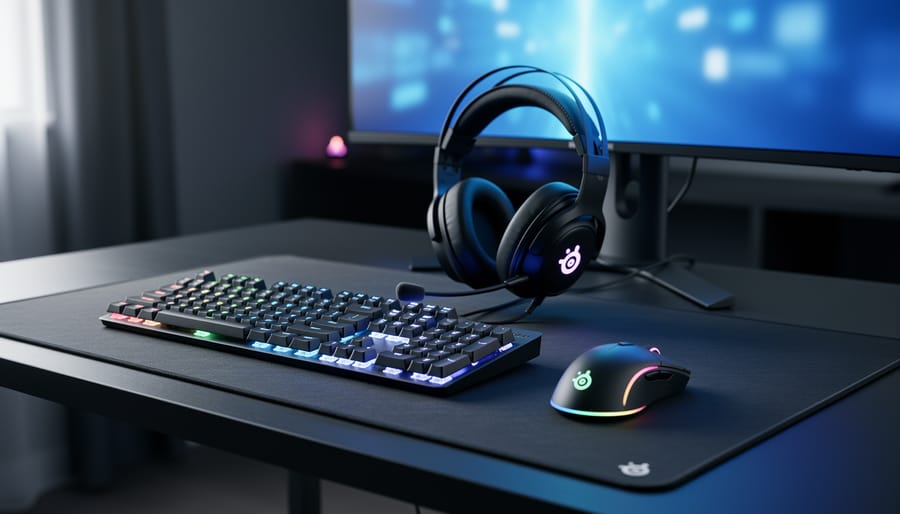
SteelSeries is a leading manufacturer of gaming peripherals and accessories, including headsets, keyboards, mice, and mousepads, positioned in the competitive mid-to-premium segment alongside Razer, Logitech G, and Corsair. The brand has built its reputation on consistent build quality and software integration through its GG platform, which unifies device customization and settings management across product lines.
For consumers evaluating whether SteelSeries fits their needs, the decision hinges on specific use cases rather than blanket superiority claims. The company’s wireless technology performs reliably across its mouse and headset offerings, while its mechanical keyboards appeal to users who prioritize customizable actuation and RGB lighting ecosystems. Customer feedback consistently highlights durability in daily gaming use, though some users report that premium pricing doesn’t always translate to standout features compared to competitors.
The brand competes effectively in esports sponsorships and partnerships, maintaining visibility at major tournaments throughout 2026, which influences both brand perception and product development priorities. This competitive landscape means potential buyers should compare specific product features against alternatives in the same price bracket rather than choosing based solely on brand recognition. Understanding where SteelSeries excels and where competitors offer better value requires examining individual product categories, warranty terms, and compatibility with existing setups.
SteelSeries Product Categories and What They Offer
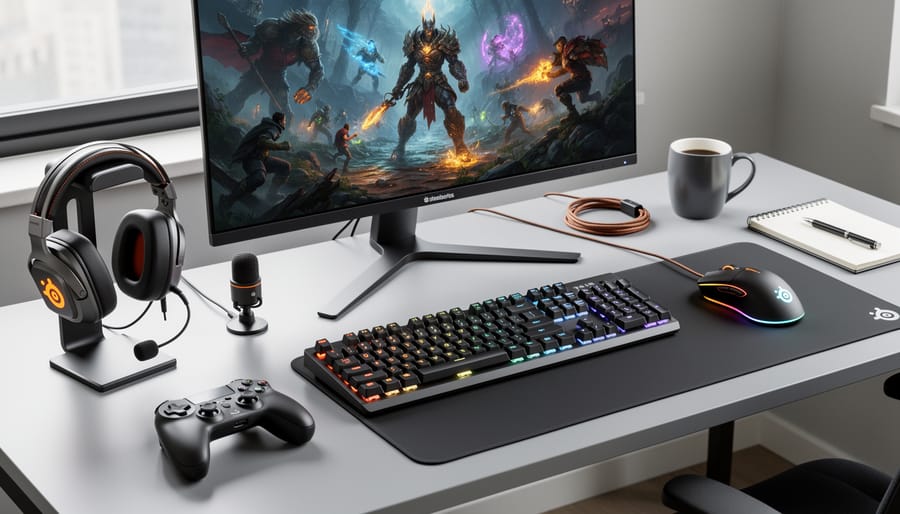
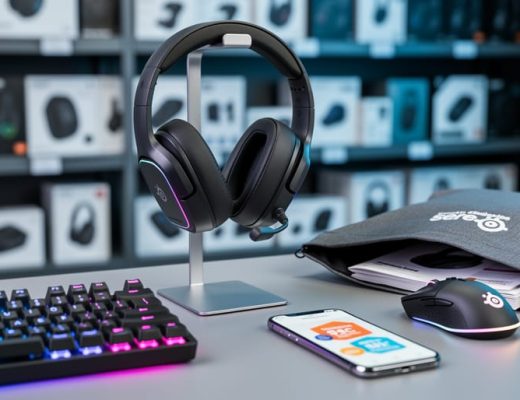
SteelSeries manufactures gaming peripherals across several core categories, each designed to address specific aspects of a gaming setup. Understanding what each product line offers helps determine which pieces might fit your needs.
The brand’s primary categories include:
- Gaming headsets that focus on audio clarity and communication features for multiplayer gaming
- Mechanical and membrane keyboards built for gaming responsiveness and extended use
- Gaming mice engineered with precision sensors and customizable button configurations
- Mousepads in various sizes and surface types to complement mouse performance
Their headset lineup spans wired and wireless options with different driver configurations. These products emphasize spatial audio capabilities and microphone quality for team-based games where communication matters. The designs range from lightweight models to heavier builds with additional padding.
The keyboard category includes both mechanical switches and quieter membrane designs. These products typically feature programmable keys and lighting systems that integrate with other gaming peripherals. Some models target competitive players who prefer minimal designs, while others offer full-size layouts with additional macro keys.
SteelSeries mice come in different shapes and weight profiles to match various grip styles and game genres. The sensors accommodate different sensitivity preferences, while the button layouts vary from minimal configurations to designs with numerous programmable inputs. Both wired and wireless connectivity options exist across the mouse lineup.
Mousepads from SteelSeries include cloth and hard surfaces in multiple dimensions. These products aim to provide consistent tracking surfaces that work with their mice, though they function with peripherals from any manufacturer.
Key Features That Define SteelSeries Products
Build Quality and Durability
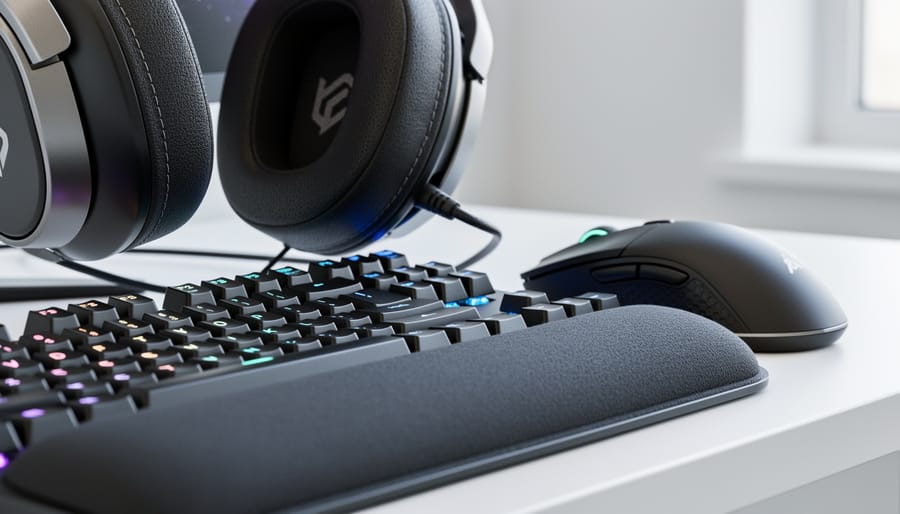
SteelSeries constructs its gaming peripherals using a mix of materials that balance weight, durability, and cost considerations. Most headsets feature plastic frames with aluminum or steel reinforcements in stress-prone areas like the headband. Keyboards typically use double-shot PBT or ABS keycaps paired with aluminum or reinforced plastic chassis, while mice employ lightweight plastics with rubberized coatings for grip.
Customer feedback reveals a pattern of mixed experiences with longevity. Many users report headsets developing hinge cracks or earcup failures after extended use, particularly on models with movable parts. Keyboard switches generally hold up well, though stabilizer rattling and keycap wear appear in reviews after sustained use. Mice receive praise for sensor reliability but criticism for side button durability and coating degradation on high-use models.
Cable quality draws frequent mention in reviews, with braided cables on some product lines showing better resistance to fraying compared to rubber alternatives. Wireless models face scrutiny over battery degradation timing, though this varies significantly across product generations.
The build approach reflects gaming peripheral industry standards rather than premium construction, positioning SteelSeries products in the mid-range durability bracket based on consistent customer feedback patterns across multiple product categories.
Software and Customization Options
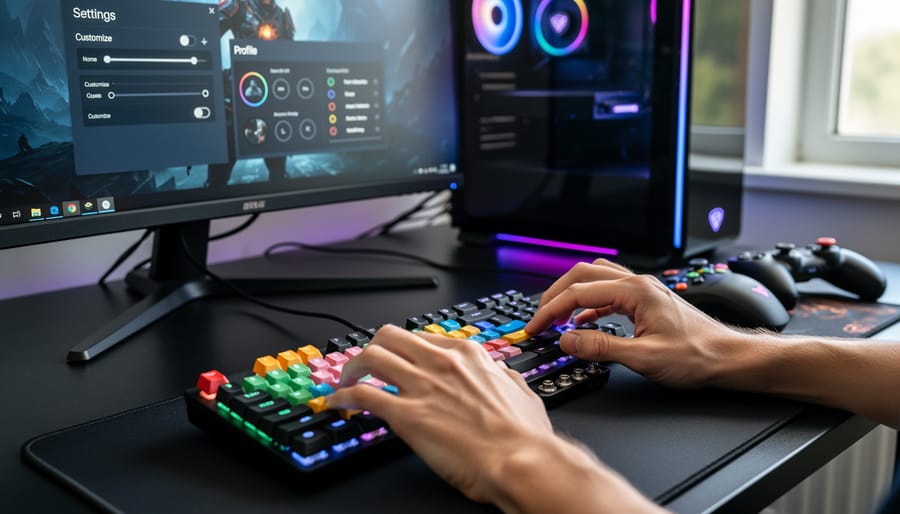
SteelSeries devices connect through the GG software suite, which consolidates control for all compatible peripherals in a single application. Users can access settings for mice, keyboards, headsets and other devices without switching between separate programs.
The software allows remapping of buttons, adjustment of RGB lighting effects, and creation of profiles that switch automatically based on which game or application is running. Sensor settings, actuation points and audio equalization are adjustable depending on the device type. Users can store configurations either in the software or directly on the device’s onboard memory for use on other computers.
SteelSeries GG includes additional modules beyond device configuration. Sonar provides spatial audio processing for compatible headsets, while Moments enables gameplay recording and clip capture. The interface organizes these features into separate tabs within the main application.
The software runs on Windows and macOS, though feature availability varies by operating system. Some advanced settings and certain modules may not be accessible on macOS. The depth of customization appeals to users who want granular control over their peripherals, though the breadth of options can feel overwhelming initially.
Design and Ergonomics
SteelSeries approaches design with a focus on minimalist aesthetics and extended gaming sessions. Their peripherals tend toward understated styling, favouring matte black finishes and subtle RGB accents rather than aggressive gaming looks. This makes their products suitable for setups where you want functionality without visual distraction.
Ergonomics vary notably across their product lines. Their mice offer multiple form factors to accommodate different grip styles, from low-profile ambidextrous designs to taller ergonomic shells for palm grips. Headsets generally feature adjustable headbands and memory foam padding, though some users report headband pressure during longer sessions. Keyboards typically use standard layouts with keycap profiles designed for extended typing comfort, while their mousepads come in various surface textures and sizes to match different sensor preferences and desk spaces.
How SteelSeries Compares to Competing Brands
SteelSeries occupies a competitive position in the gaming peripherals market where no single brand dominates every category. Understanding where they excel and where alternatives might better serve your needs helps you make an informed choice rather than defaulting to brand recognition.
The gaming peripherals landscape includes established competitors like Logitech G, Razer, Corsair, and HyperX, each with distinct approaches. SteelSeries tends to emphasize tournament-grade performance and professional esports adoption, which shapes their design priorities. Logitech G often leads in wireless technology innovation and battery efficiency. Razer frequently pushes aesthetic boundaries with RGB integration and ecosystem connectivity. Corsair typically offers robust build quality with extensive customization through iCUE software.
| Consideration | SteelSeries Strengths | Where Competitors Excel |
|---|---|---|
| Software Ecosystem | Clean interface, straightforward configuration | Corsair iCUE offers deeper integration across hardware; Razer Synapse provides broader device ecosystem |
| Build Quality | Consistent durability across product lines | Logitech G frequently receives praise for mechanical reliability; HyperX known for tank-like construction |
| Wireless Performance | Solid low-latency options in premium range | Logitech G Lightspeed often cited as wireless technology benchmark |
| Value Positioning | Mid-to-premium quality without luxury pricing | HyperX and some Logitech G models offer strong budget earbuds alternatives; Razer spans wider price spectrum |
Customer feedback reveals SteelSeries products often receive appreciation for comfort during extended sessions and minimal software bloat. Their GG software platform tends to draw fewer complaints about resource consumption compared to some competitor solutions. Where users sometimes turn to alternatives is for cutting-edge wireless implementations or when seeking ultra-lightweight mouse designs that push below typical weight thresholds.
The modular keycap system on SteelSeries keyboards appeals to users who want customization without voiding warranties, though competitors like Keychron and Ducky offer more extensive mechanical switch variety for enthusiasts. For headsets, SteelSeries competes effectively in the wireless gaming category but faces stiff competition from dedicated audio brands entering the gaming space with superior sound staging.
Your choice between SteelSeries and competitors often comes down to specific feature priorities rather than overall superiority. If you value consistent quality across categories for a coordinated setup, SteelSeries delivers reliably. If you need the absolute best wireless mouse technology or the most extensive RGB synchronization, you might find better fits elsewhere. The brand represents a safe, capable choice rather than a revolutionary one.
What Real Users Say About SteelSeries
Customer feedback across SteelSeries products reveals consistent patterns that help inform purchasing decisions. Gaming communities and review platforms show a mix of enthusiasm and specific concerns that vary by product category.
Users frequently praise the comfort of SteelSeries headsets during extended gaming sessions. The audio quality receives positive mentions, particularly for spatial awareness in competitive gaming. However, multiple users report durability issues with headband mechanisms and ear cushion attachment points. Some customers note that wireless models perform well initially but experience connection stability problems after months of use.
Gaming mice from SteelSeries earn recognition for sensor accuracy and responsive buttons. Competitive players appreciate the variety of shapes and weight options available across different models. The software customization capabilities receive mixed feedback, some users find the configuration options powerful, while others describe the interface as less intuitive than competing brands. A recurring theme in reviews involves side button durability, with several users mentioning premature wear or double-clicking issues after regular use.
Keyboard feedback shows appreciation for the typing experience and build quality of higher-end models. Users highlight responsive switches and customizable RGB lighting as positives. Criticisms center on software bugs affecting lighting profiles and occasional key registration problems. Some customers express disappointment with keycap quality on certain models, noting shine development faster than expected.
The most consistent praise appears for SteelSeries mousepads, with users reporting smooth tracking surfaces and durability. Complaints in this category are minimal, mostly relating to edge stitching fraying over time.
A common thread across product categories involves software updates. Some users appreciate ongoing support and feature additions, while others report that updates occasionally introduce new problems or reset custom configurations.
Price perception varies significantly. Enthusiast gamers often view SteelSeries products as worthwhile investments for specific features they prioritize. Budget-conscious buyers sometimes question whether the cost difference compared to alternatives delivers proportional performance gains.
These feedback patterns suggest SteelSeries products deliver strong performance in core gaming applications, with quality control and long-term durability representing areas where individual experiences diverge most significantly.
Who Should Consider SteelSeries Products
SteelSeries products work best for gamers who prioritize software customization and want a cohesive ecosystem across their peripherals. If you spend time tweaking settings, creating profiles for different games, and value having unified control software, SteelSeries delivers a strong experience. The brand also suits competitive players who need reliable wireless performance and don’t want to compromise on latency.
PC gamers building a complete setup benefit most from SteelSeries, particularly those who appreciate RGB synchronization across devices. The brand’s approach to build quality means you’re making a longer-term investment rather than buying budget alternatives frequently. Console gamers should note that while some SteelSeries headsets work across platforms, the customization features often require PC software access.
If you’re using portable gaming devices like the Steam Deck OLED SteelSeries mice and compact peripherals can complement your setup for desktop sessions.
Consider alternatives if you need the absolute lowest-priced options in each category or want maximum modularity with hot-swappable components. Gamers who prefer ultra-lightweight mice may find better options elsewhere. Those who rarely adjust settings won’t benefit from SteelSeries’ software depth. Budget-focused buyers should compare individual products rather than choosing by brand alone, as pricing varies across categories and competitors sometimes offer better value in specific niches.
Making Your Decision: What to Evaluate
Before committing to any SteelSeries peripheral, assess whether the brand’s approach aligns with your actual gaming habits and priorities. Start by defining what you value most: some users prioritize durability and long-term reliability, while others care more about cutting-edge features or a specific aesthetic. Understanding your non-negotiables helps filter out products that look appealing but won’t serve your needs.
Consider these evaluation criteria when comparing SteelSeries to alternatives:
- Compatibility with your existing setup and preferred platforms
- Software ecosystem requirements and whether you want extensive customization
- Physical comfort during extended gaming sessions for your hand size and grip style
- Build materials and construction relative to how you handle equipment
- Customer support accessibility and warranty terms in your region
- How the product fits within budget electronics cost considerations for your overall setup
Ask yourself whether SteelSeries software integration matters to you. If you prefer plug-and-play simplicity or already use peripherals from multiple brands, a software-heavy ecosystem might add complexity you don’t need. Conversely, if you value unified control and macro programming, their software becomes a significant advantage.
Test comfort before buying when possible. Gaming peripherals are highly personal, and what feels perfect to one user causes discomfort for another. If in-store testing isn’t available, verify the return policy before purchasing. Pay attention to specific design elements like headset clamp force, mouse weight distribution, and keyboard keycap height rather than relying on general descriptions.
Finally, separate brand reputation from individual product merit. A manufacturer can excel in one category while underdelivering in another. Evaluate each product on its own strengths rather than assuming consistent quality across the entire lineup.
SteelSeries maintains a solid position in the gaming peripherals market through consistent build quality and thoughtful feature integration, but whether their products suit your needs depends entirely on your priorities. If you value software customization, comfortable ergonomics, and ecosystem integration, SteelSeries delivers competitive options worth considering. However, if you prioritize maximum wireless battery performance, ultra-budget pricing, or cutting-edge sensor specifications, other manufacturers may serve you better.
The key takeaway is that brand reputation alone should not drive your purchasing decision. Evaluate what matters most in your gaming experience, whether that’s durability, customization depth, aesthetic preferences, or specific features, and compare how SteelSeries products meet those criteria against alternatives. Look for opportunities to save on tech deals when purchasing, as pricing can significantly impact value.
The gaming peripherals market offers strong competition across all price ranges. Choose based on your individual requirements rather than brand loyalty, and you will find equipment that genuinely enhances your gaming setup.

No Comments